What Is a Broken Backlink? A Plain-English Explanation
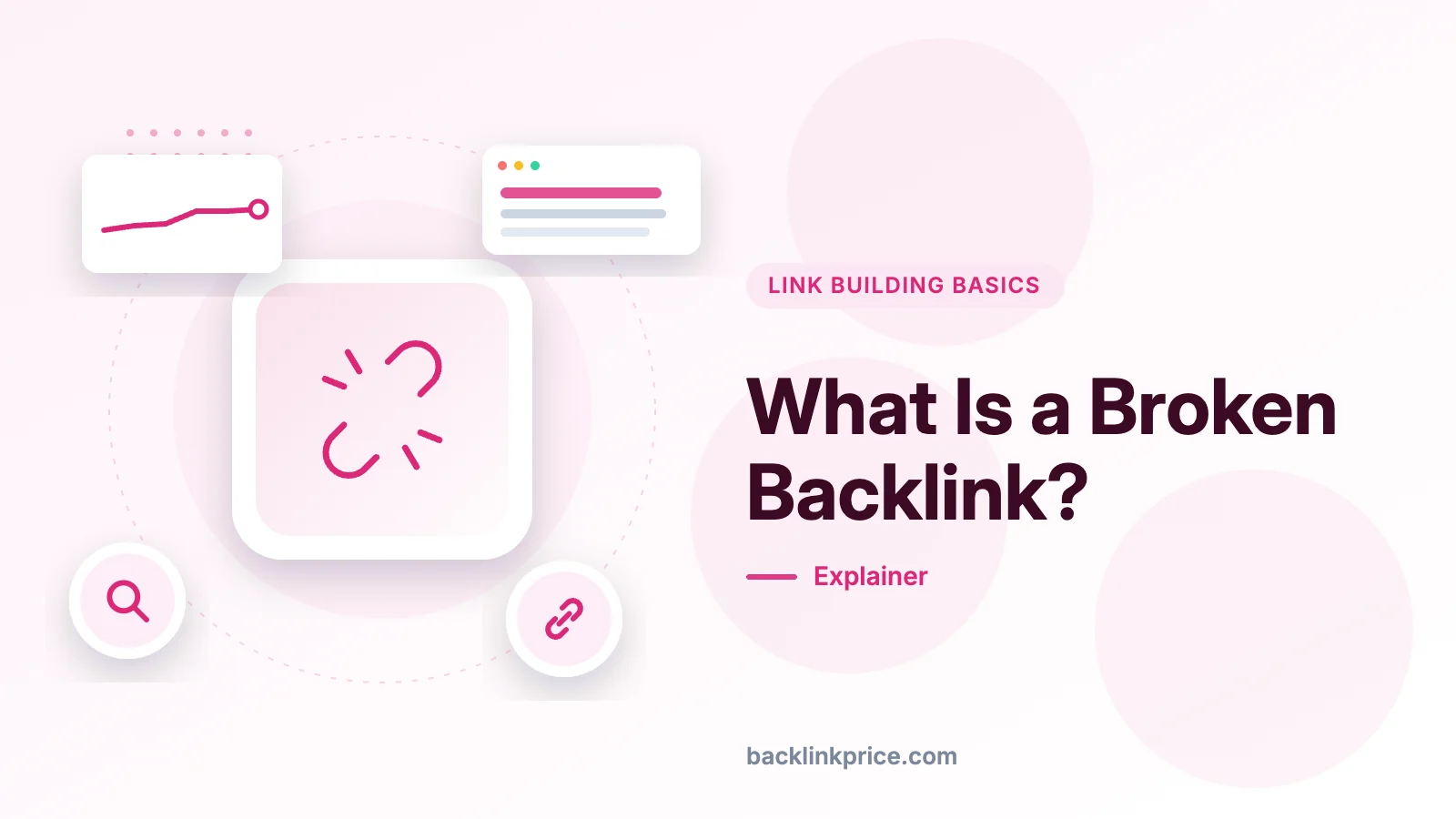
A broken backlink is a link from another website that points to a page on your site that no longer exists. Here is what causes it, how to find it, and how to fix it.
A broken backlink is a link from another website that points to a page on your site that no longer exists, so a visitor who clicks it reaches an error page instead of your content. Most broken backlinks return a 404 error, and the fix is to restore the page or add a 301 redirect to the closest live page.
Key takeaways
- A broken backlink points to a missing page on your site, most often one that returns a 404 error (Semrush, 2025).
- Google says 404 errors on their own do not harm your site's indexing or ranking (Google Search Console Help, 2026).
- A broken page drops out of Google's index, so it cannot rank or be cited in an AI answer (Google Search Central, 2026).
- The most useful fix is a 301 redirect to the closest live page, or restoring the page if it was deleted by mistake (Sitebulb, 2026).
- Check for broken backlinks with Google Search Console and a backlink tool, then fix the ones with the most referring domains first (Sitebulb, 2026).
What a broken backlink means
A broken backlink is an inbound link that points to a URL on your site that no longer returns a live page.
A backlink is a link from one website to another, and it only counts as broken when the page it points to fails to load.
Semrush's guide to broken backlinks, published in 2025, defines it as a link between two websites that no longer works, because the landing page has been moved or removed completely.
The status codes behind a break tell you where the fault sits: a 4xx code means the problem sits with the website, a 5xx code means the server failed, and a 3xx code means a redirect is involved, according to Semrush (2025).
Sitebulb, in a guide updated in March 2026, splits broken links into three types.
- Broken internal link: a link on your own site that points to a page on your own site that no longer exists.
- Broken external link: a link on your own site that points to a page on another site that no longer exists.
- Broken backlink: a link on another site that points to a broken page on your site, so you lose the link equity it sent.
How a broken backlink happens
A backlink breaks when the page it points to is deleted, moved, renamed, or taken offline without a redirect.
- A page is deleted on purpose, for example an old product page, and its inbound links are left pointing at the old address.
- A page is renamed, so its address changes and every link to the old address stops working.
- A site is restructured or moves to a new domain, and old links are not mapped to the new addresses.
- A link contains a typo, so one wrong character sends visitors to an address that never existed.
- A linking page is deleted, which turns a live backlink into a lost link rather than a broken one.
When the target page dies, the link equity that the linking page sent stops at the error page instead of reaching your live content.
Google's own documentation, as quoted by Sitebulb in 2026, says that "the vast majority of the new pages Google finds every day are through links" (Sitebulb, 2026).
That is why a broken backlink is a discovery problem as well as a dead end: crawlers follow links to find new pages, and a dead target gives them nowhere to go.
Why a broken backlink matters for rankings and AI search
A broken backlink matters because the page it points to cannot rank, cannot pass value onward, and cannot be cited by an AI answer.
Google says 404 errors on their own do not harm a site's indexing or ranking, but the missing page still leaves the index, so any PageRank it held stops working for you (Google Search Console Help, 2026).
Google's guide to AI search, last updated in July 2026, says a page must be indexed and eligible for a snippet before it can appear in generative AI features, which retrieve pages from the Search index (Google Search Central, 2026).
Ahrefs' March 2026 study of 863,000 keywords, summarized by Visualmodo in November 2026, found that only 38% of pages cited in AI Overviews also ranked in the top 10, down from 76% in July 2025 (Visualmodo, 2026).
Kevin Indig's Growth Memo, published in February 2026 and summarized by Visualmodo, analyzed 18,012 verified ChatGPT citations and found that 44.2% came from the first 30% of a page (Visualmodo, 2026).
Pew Research Center tracked the browsing of 900 adults in March 2025 and found that people who saw an AI summary clicked a result in 8% of visits, against 15% for people who did not (Visualmodo, 2026).
Real examples of broken backlinks
Real broken backlinks usually come from a site redesign, a deleted post, or a changed address that no one redirected.
- A guide is renamed, and blogs that linked to the old address now send readers to a 404 page.
- A product page is deleted when the product is dropped, while review sites still link to it.
- A company rebrands and changes its domain, and older links still point to the old domain.
- A link is typed with one wrong character, so it points to an address that never existed.
Google's own help page gives a misspelling example, with canceling spelled with one l and cancelling with two, and advises mapping common misspellings to the same page (Google Search Console Help, 2026).
Google's help page warns that returning a code other than 404 or 410 for a missing page, or redirecting it to the homepage, can be problematic, and calls those pages soft 404s (Google Search Console Help, 2026).
How to check and measure broken backlinks
Start in Google Search Console, then confirm the damage in a backlink tool that shows which sites link to each dead page.
- Open Search Console, go to Indexing, then Pages, and click the Not found (404) row to see the URLs Googlebot could not find.
- Export the list and sort it by the number of referring domains, so the dead pages with the most links come first.
- In Ahrefs, open Site Explorer, enter your domain, and choose Broken under Backlinks to see the referring pages and their anchors.
- In Semrush, use the Backlinks tool, open the Indexed Pages report, and tick the Broken Pages filter to list links with error codes.
- In Moz Link Explorer, set the Status codes filter to 4xx - Broken and sort by linking domains to find the worst cases first.
Our guide to finding broken backlinks walks through the same checks in more detail, with the exact reports to open in each tool.
Run the same list through a full backlink audit at least once a quarter, so new breaks are caught before they sit for months.
The tool steps above follow Sitebulb's guide, updated in March 2026, and Semrush's guide to broken backlinks (Sitebulb, 2026 and Semrush, 2025).
Good vs bad: when a broken backlink is a risk and when it is not
A broken backlink is a real risk when the dead page had links, traffic, or rankings, and it is harmless when the URL never existed or was deleted on purpose.
| Dead page | What happens | First fix |
|---|---|---|
| Page moved, no redirect | Visitors and crawlers reach a 404, and the page drops out of the index | Add a 301 redirect to the closest live page |
| Page deleted on purpose, no replacement | A 404 is the correct answer | Leave the 404 and remove your own links to it |
| URL that never existed | Googlebot tried an address from a typo, and there is nothing to recover | Ignore it, unless a strong link points to it |
| Soft 404 | The page looks missing but returns a 200, so Google leaves it out of search | Return a real 404 or 410, or restore the content |
Google says the report should stop showing a 404 after about a month, and that a deleted page with no replacement should simply return a 404 (Google Search Console Help, 2026).
If a dead page had strong links, reclaiming them is often faster than building new ones, as our guide to recovering lost backlinks explains.
A 301 redirect sends the old address to the closest live page, and our comparison of 301 redirects and canonical tags explains when a redirect is the right call.
Common mistakes
The most common mistakes are chasing a zero 404 count, redirecting everything to the homepage, and ignoring the links that point to dead pages.
- Chasing a zero 404 count: Google says most 404s are not worth fixing, so fix the ones with links, traffic, or a live replacement.
- Redirecting everything to the homepage: Google warns that this can create soft 404s, and visitors land somewhere they did not ask for.
- Using a 302 for a permanent move: a 302 is a temporary redirect, so use a 301 when the page has moved for good (Sitebulb, 2026).
- Paying for a replacement link: Google lists buying or selling links for ranking purposes as link spam, and says paid links are only acceptable when marked with rel="nofollow" or rel="sponsored" (Google Search Central, 2026).
- Forgetting your own links: a broken link in your menu or footer sends every visitor to a dead end, so fix the link at the source as well as adding a redirect.
Frequently Asked Questions
Does a broken backlink hurt my rankings?
Not directly. Google says 404 errors on their own do not harm a site's indexing or ranking, and a 404 is the right answer for a page that is gone for good. The harm comes from what is lost: the dead page drops out of the index, so it stops ranking and stops passing value to your other pages.
How do I find broken backlinks to my site?
Open Google Search Console, go to Indexing, then Pages, and open the Not found (404) row to see the dead URLs Googlebot found. Then open a backlink tool, such as Ahrefs or Semrush, and filter for broken backlinks to see which sites link to each dead page. Fix the pages with the most referring domains first.
Should I redirect a broken backlink to my homepage?
No, unless the homepage is the closest match for what the dead page covered. Google warns that redirecting a missing page to the homepage can create a soft 404, and visitors who clicked for a specific page will be confused. Redirect to the closest live page on the same topic, or leave the 404 in place.
What is the difference between a broken backlink and a lost backlink?
A broken backlink still exists, but it points to a page on your site that returns an error, usually a 404. A lost backlink is gone, because the linking page was deleted or the link was removed. The fix differs: a broken backlink is fixed on your site, while a lost one needs the linking site to restore it.
How often should I check for broken backlinks?
Check after every site change that touches addresses, such as a redesign, a migration, or a bulk deletion, and then on a regular schedule. A monthly check suits most sites, while a store or a site that publishes daily should check weekly. A crawler that records where each broken link sits makes the check far faster.
Sources
- Google Search Console Help - 404 (Page Not Found) errors (2026)
- Google Search Central - Spam Policies for Google Web Search (2026)
- Google Search Central - Guide to Optimizing for Generative AI Features on Google Search (2026)
- Sitebulb - Broken Links in SEO: How to Find and Fix Them (2026)
- Semrush - Find Competitor's Broken Backlinks (2025)
- Visualmodo - SEO in the AI Era: What Studies Show About AI Citations (2026)
If you have a list of dead pages with links, start with our guide to fixing broken backlinks and work through the highest-value pages first.

The BacklinkPrice Team researches backlink prices, publisher sites and link building tools. We check prices and plans against each provider's own pages and date them, so you know how current the numbers are.
More from BacklinkPrice TeamRelated guides