"Datawrapper: What It Does, Pricing and Alternatives"
"Datawrapper is a chart, map and table tool built for journalists and publishers. It makes clean data visuals you embed in articles, where other sites can cite them."
Datawrapper is a web tool for creating clean, publication quality charts, maps and tables. It is built for journalists and newsrooms. It fits link building as a maker of linkable assets. Datawrapper itself buys, places or guarantees no links.
TL;DR
- Datawrapper starts free at $0 with unlimited charts, embeds and PNG exports, and Pro costs $21 per user a month billed annually.
- New Pro and Business plans launched on 23 July 2026, so older $49 a month Pro prices in third party lists are out of date.
- All prices exclude VAT, and the free plan keeps a "Created with Datawrapper" attribution on published work.
Quick facts
| Fact | Detail |
|---|---|
| What it does | Web tool for interactive charts, maps and tables |
| Best for | Journalists and newsrooms that publish data visuals |
| Starting price | $0 free; Pro from $21 a month, billed annually, excl. VAT |
| Free option | Free plan, $0, unlimited charts |
| Website | datawrapper.de |
| Checked | November 2026 |
What Datawrapper does
Turn data into a chart in a few steps
Datawrapper uses a step based editor guiding you from data to publication. You upload or paste data, pick a chart, map or table type, fine tune it with a live preview, then publish and embed it.
For example, a publisher can build a bar chart in Datawrapper and embed it with the numbers in text. Other publishers can then cite the chart, as a cited post on GitHub can send readers back to the source.
Publish charts that stay live and clean
Datawrapper promises in its pricing FAQ that it does not sell your data, does not track your readers in embeds, and keeps published charts online indefinitely. Teams share a workspace with folders and custom themes.
Give a team one workspace for data visuals
Datawrapper teams work in a shared workspace with folders, workflows and comments. Edit history runs 30 days on Free, 90 days on Pro, 1 year on Business and unlimited on Enterprise.
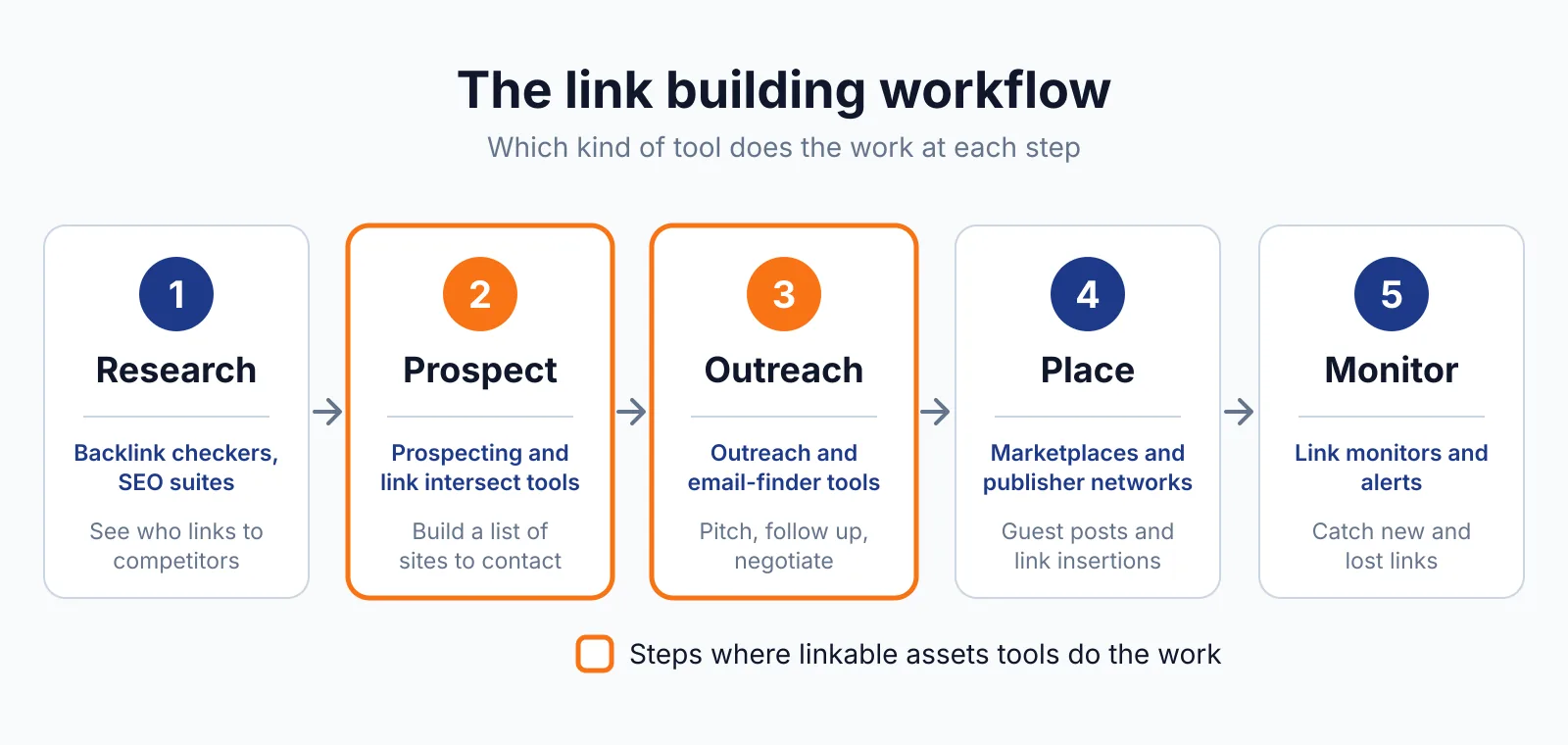
A custom theme is an add on at $499 a month billed annually, excluding VAT. Use a backlink checker after it goes live to see who linked to the page.
Pricing
Datawrapper runs from $0 to a custom Enterprise plan, checked November 2026, with all prices excluding VAT.
| Plan | Price | Key points |
|---|---|---|
| Free | $0 | Unlimited charts, embeds and PNG exports, attribution kept |
| Pro | $21 a month billed annually, $25 monthly | Attribution removed, PDF and SVG download, 90 day history |
| Business | $39 a month billed annually, $46 monthly | Waterfall and dual axis charts, fine grained permissions |
| Enterprise | Custom | Self hosting, SAML single sign on, unlimited history |
The API has usage based billing from 1 October 2026, with a free tier of up to 500 create, 1,000 publish and 3,000 export operations a month free. Nonprofits get a 20% discount. Older pricing is out of date: a $49 a month Pro plan still circulates in third party lists, while the current plans launched on 23 July 2026.
See the Datawrapper pricing page.
Pick it if
- You publish charts and maps in articles and want them clean and fast.
- You need a free plan with unlimited charts, embeds and PNG exports.
- You work in a newsroom that needs shared themes and edit history.
Not a fit if
- You need infographics with heavy design work.
- You need PDF or SVG downloads on a free plan, since those formats need Pro.
- You need waterfall or dual axis charts on Pro, since those need Business.
Alternatives
Alternatives include Infogram, Visme and Piktochart.
| Tool | Why people switch | Pricing |
|---|---|---|
| Infogram | More interactive charts and maps, with tooltips | Check current pricing on their site |
| Visme | Wider range of content, with presentations and video | Check current pricing on their site |
| Piktochart | Simpler editor with AI video and chart tools | Check current pricing on their site |
FAQ
Does Datawrapper give backlinks?
No. Datawrapper buys, places or guarantees no links. A clean chart you embed in your article can earn links when other publishers cite it, while the tool itself adds no link to your site. If you buy a link for ranking, Google says it needs rel="sponsored" or rel="nofollow", as set out in Google Search Central.
What does the Datawrapper free plan cover?
Unlimited public charts, embeds and PNG exports, with the "Created with Datawrapper" attribution. There is no free trial concept stated, since the free plan is the entry point. Removing the attribution needs Pro or above.
Is Datawrapper good for link building?
It makes the clean data visual that other publishers cite, such as a chart with original data. That visual still needs a page worth linking to, with the data in text. For help, see our ecommerce link building services and our niche finder tool. Compare costs on our pricing page, and read how LinkedIn Articles links work.
Next step
Start free, build one chart with your own data, and embed it in an article. Talk to us through our contact page.

The BacklinkPrice Team researches backlink prices, publisher sites and link building tools. We check prices and plans against each provider's own pages and date them, so you know how current the numbers are.
More from BacklinkPrice TeamRelated guides