"Redirection: What It Does, Pricing and Alternatives"
Redirection is a free WordPress plugin by John Godley that manages 301 redirects, tracks 404 errors and logs every redirect. It is open source and has no premium version.
Redirection is a free WordPress plugin by John Godley that manages 301 redirects, tracks 404 errors and tidies up loose ends. It needs no Apache or Nginx knowledge, and it is open source under the GPLv3 licence. The listing shows 4.4 out of 5 from 705 reviews, and it works with PHP 7.4 to 8.5.
If you change URLs on a WordPress site and want the old links to keep working, it fits that job. It buys, places or guarantees no links.
TL;DR
- Redirection is free, with no premium version and no account, as the listing states twice.
- It manages 301 redirects with regex support, tracks 404 errors, and logs every redirect.
- It manages redirects, but it does not find broken links or check link quality.
Quick facts
| Fact | Detail |
|---|---|
| What it does | Manages 301 redirects and tracks 404 errors on WordPress |
| Best for | WordPress sites that change URLs and want old links to keep working |
| Starting price | $0 (free, no premium version) |
| Free option | The whole plugin is free |
| Website | wordpress.org |
| Checked | November 2026 |
What Redirection does
Keep old URLs working after a permalink change
Redirection creates a redirect automatically when a post or page permalink changes, so the old URL still lands on the right page. That matters because every earned link points at a URL, and a changed slug turns those links into 404 errors unless a redirect catches them.
You can also create redirects by hand from the WordPress admin, with full regex support and control over query parameters: match them exactly, ignore them, or pass them through.
For example, rename a guide from /link-tips/ to /link-building-tips/ and the old URL redirects to the new one. The limit is that it only handles redirects on your own site.
See every 404 and turn the busy ones into redirects
Redirection tracks 404 errors and groups them, so you can see which missing URLs get the most hits and focus there first. That matters because a 404 with hundreds of visits is usually a link pointing at a page that moved. You can bulk-redirect those 404s to live pages.
For example, a deleted product page that still gets traffic from an old guest post can redirect to the closest live page. The limit is that a redirect only helps if a good target exists.
Log redirects and control who can change them
Every redirect is logged with visitor, browser and referrer information, a hit count, and geographic information for IP addresses. That matters because logs show which redirects actually get used and which ones sit idle, so you can clean up the list instead of guessing. Permissions are fine-grained per user role, which helps on client sites.
For example, a redirect with zero hits in a year can be removed, while one with thousands of hits deserves a check of its target. The limit is that logs record traffic, not link value, so they do not tell you which redirect protects the most ranking value.
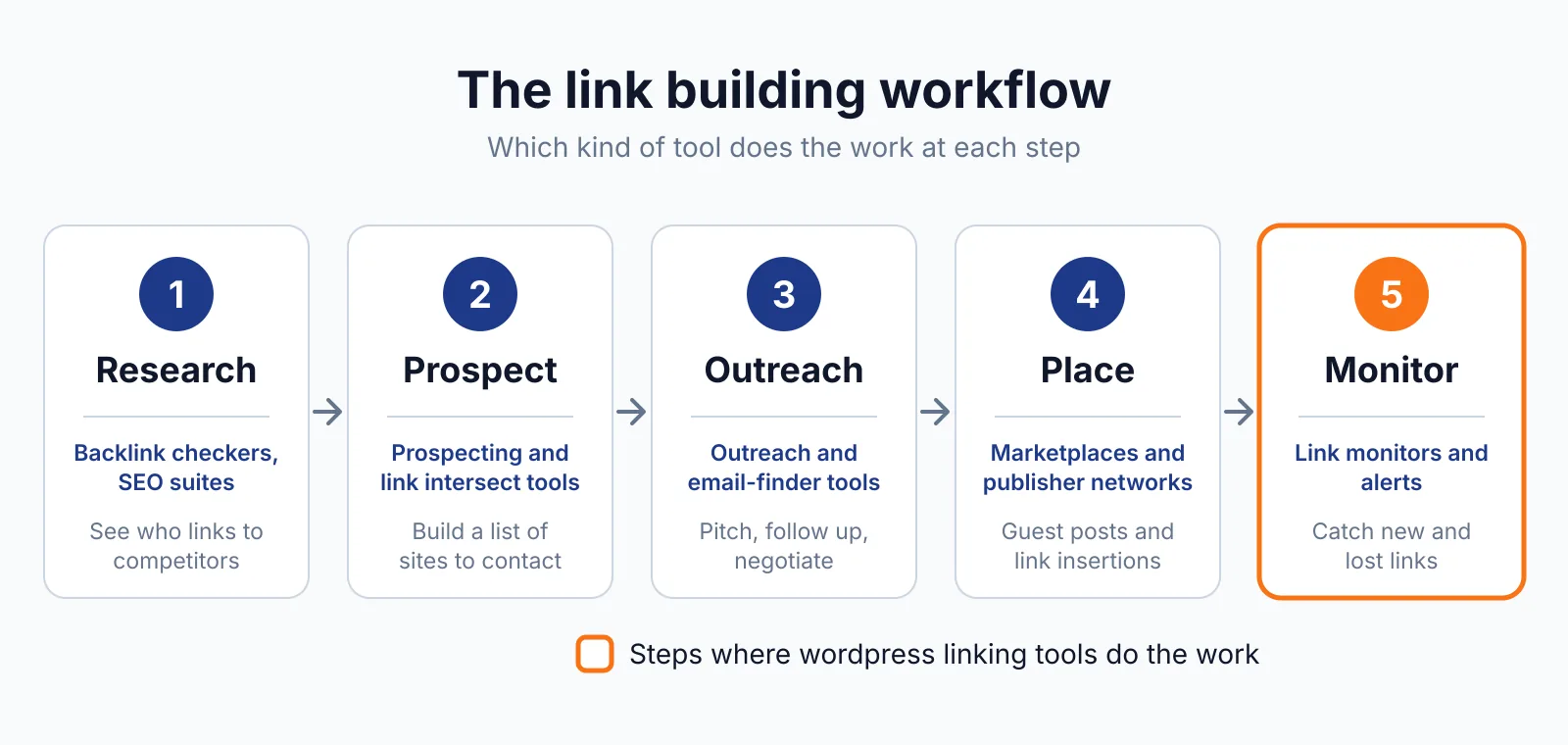
Pair it with a monitor such as LinkChecker.PRO or Monitolink if you want alerts when a placement goes missing.
Pricing
Redirection costs $0. The listing states it twice: "Yes, it's really free. There's no premium version and no need to pay money to get access to features." No pricing page, no paid tier, no account. Install it from the WordPress plugin listing and read the Redirection documentation.
Pick it if
- You run WordPress and change URLs, slugs or site structure from time to time.
- You want 404 tracking and redirect logs without paying for a premium plugin.
- You need regex redirects, conditional rules or .htaccess exports.
Not a fit if
- Your site is not on WordPress.
- You need a tool that finds broken links.
- You want link quality or authority data, which it does not measure.
Alternatives
| Tool | Why people switch | Pricing |
|---|---|---|
| Rank Math | A full SEO plugin with a built-in redirect manager | Check current pricing on their site |
| Yoast SEO Premium | Redirect manager with bulk CSV import | Check current pricing on their site |
| AIOSEO Pro | Redirection Manager inside All in One SEO | Check current pricing on their site |
FAQ
Does Redirection find broken links?
No. It manages redirects and tracks 404 errors, but it does not scan for broken links. Use a checker first, then redirect what you find. It buys, places or guarantees no links, and Google's rule still applies to any link bought to influence rankings: paid links need rel="sponsored" or rel="nofollow", as Google's spam policies explain.
Can it write rules to .htaccess?
Yes. By default redirects run through WordPress, but you can save them to .htaccess on Apache or export Nginx rewrite rules, and import or export via CSV, JSON and WP-CLI.
Next step
Try our free backlink checker to see which of your pages already earn links, then see our pricing or contact us if you want URL moves handled without losing link value. If a placement needs a fresh home, our link insertion service and guest posting service can help.

The BacklinkPrice Team researches backlink prices, publisher sites and link building tools. We check prices and plans against each provider's own pages and date them, so you know how current the numbers are.
More from BacklinkPrice TeamRelated guides